 Builder Docs
Choose your avatar → Settings to open the Settings page, then select the section in its sidebar. On mobile, use Toggle sidebar to open navigation. Confirm the organization before making changes. Available actions depend on your role; use the form's save action and wait for confirmation.
- Choose Plan and verify the organization.
- Review the selected plan and billing-period records.
- Use the available plan controls if you intend to change the plan.
- Review any verification, fee, and payment requirements before confirming.
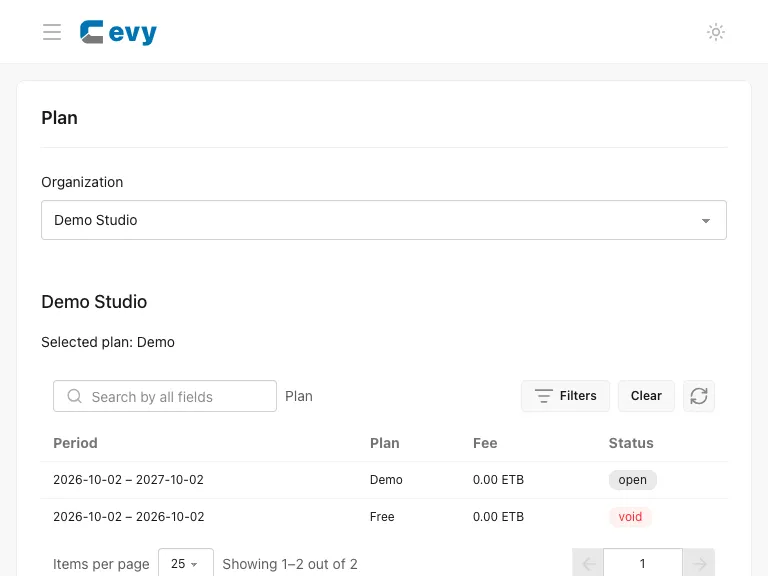
The screenshot shows a synthetic Demo plan with all features enabled. It is not a published price or plan offer. Changing a plan may affect app limits, credits, and feature access; use the values displayed in your actual account.
When Chapa is configured, choose Pay with Chapa, verify your identity if prompted, and complete the payment on your phone or through Chapa. Use Check payment after an interruption. Subscription access is updated only after server verification.