 Builder Docs
Choose your avatar → Settings to open the Settings page, then select the section in its sidebar. On mobile, use Toggle sidebar to open navigation. Confirm the organization before making changes. Available actions depend on your role; use the form's save action and wait for confirmation.
Open Usage for the selected organization to review credit use and usage records. Use the table's search, filters, pagination, and refresh controls to find the relevant entries.
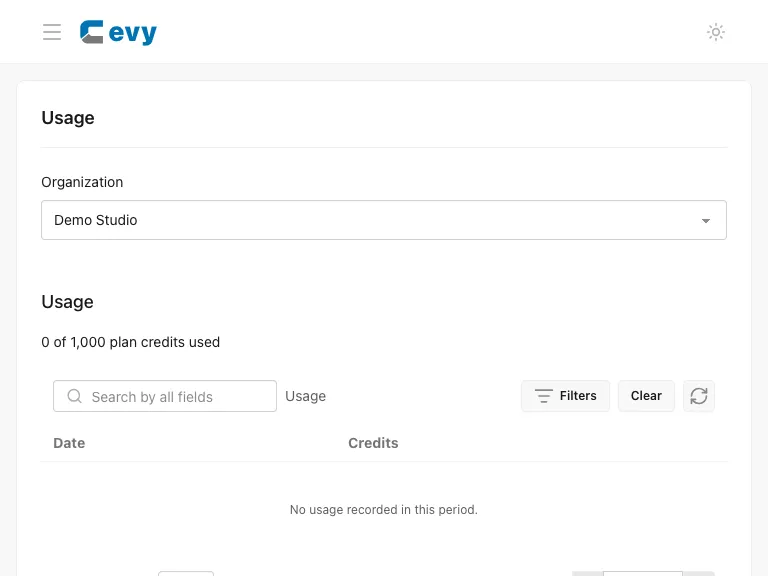
An empty table can mean there are no matching records, not that the table failed. Clear filters and refresh before drawing conclusions. Usage belongs to the organization selected on the Settings page.