Builder Docs
Select the correct app, then open the browser toolbar. Its actions apply only to that app.
- Check that the correct app is selected.
- Choose Delete from the actions menu.
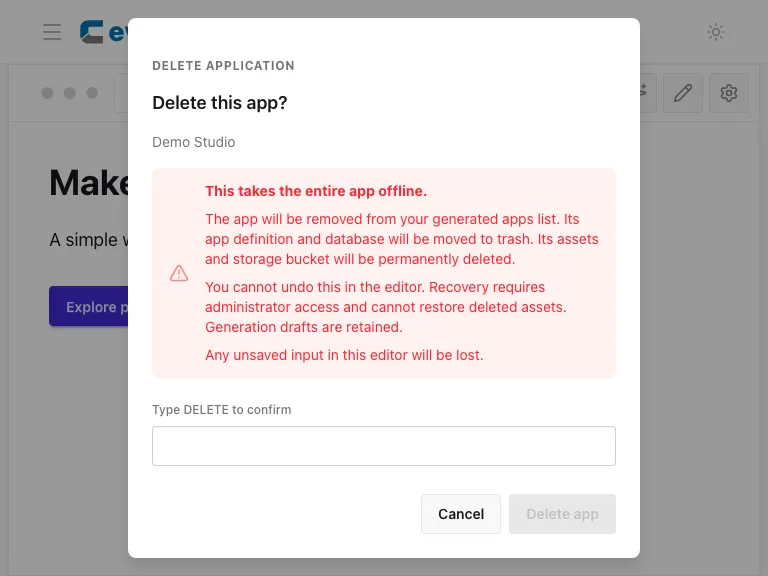
- Read the removal warning and the required confirmation text.
- Cancel if you are unsure. Only complete the confirmation when you intend to remove the app and its associated data.
Deletion is destructive. Consider a backup first; do not use Delete merely to hide an app from visitors. Use Unpublish for that purpose. This guide captures the confirmation but does not execute deletion.