 Builder Docs
Select an app and open the gear menu in the browser toolbar. Save or discard pending editor changes first. These settings apply to the selected app, not your account.
Expand Auth, enable it when the app needs sign-in, and choose which routes are protected. Review the route list carefully: protecting a public landing page changes what visitors can access.
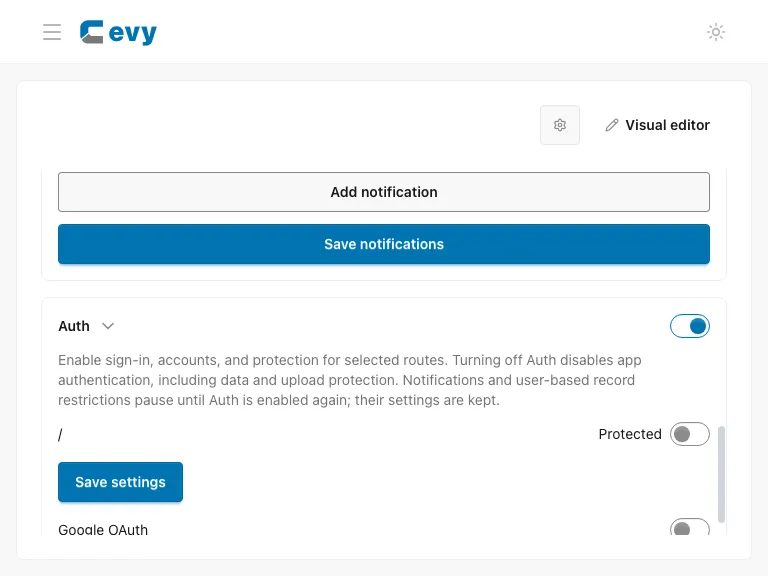
Choose Save settings for the authentication configuration, then review and publish the draft. Test the resulting experience both signed in and signed out. App-user authentication is separate from your builder account.
Shared organization and billing components
Place {"tag":"Organizations"} for the connected organization selector and {"tag":"Billing","props":{"productId":"operator-configured-product"}} for customer billing. The product must be bound to the application's registered Identity client by its seller. Use only real operator-provided IDs. An optional organizationId selects an organization the signed-in user can access; selection never grants permissions. The runtime supplies transport, session verification, quotes and payment workflows. Do not create app-specific billing endpoints or store Identity credentials, permissions, or signed contexts in authored JSON.