 Builder Docs
Select an app and open the gear menu in the browser toolbar. Save or discard pending editor changes first. These settings apply to the selected app, not your account.
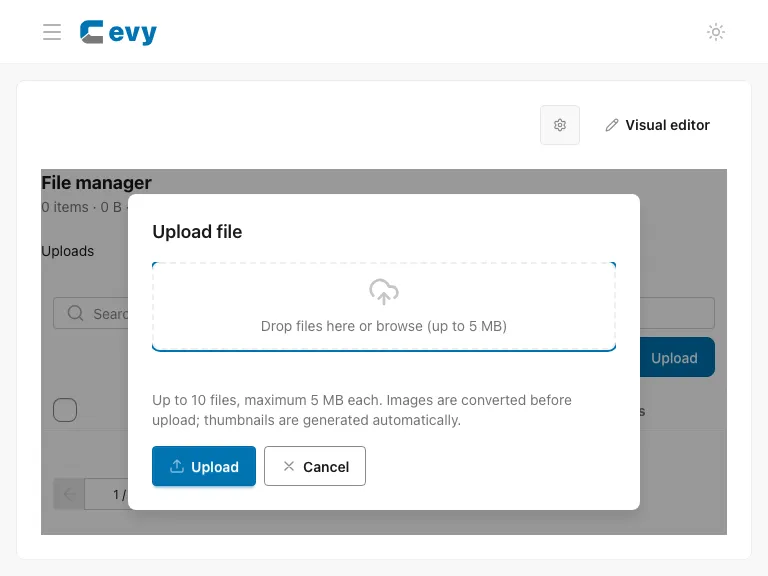
Select files, review the pending upload list, and submit Upload. The dialog shows the allowed file count and 5 MB per-file limit. File changes apply immediately to live app files. Re-upload replaces content while keeping links; deletion does not update app references, so check those references first.
Open File manager → Upload to reach this dialog. Return to Edit mode for page text and layout changes.