 Builder Docs
Select an app and open the gear menu in the browser toolbar. Save or discard pending editor changes first. These settings apply to the selected app, not your account.
Choose Add language, select the target language, and confirm. Use the language selector to switch between targets once configured.
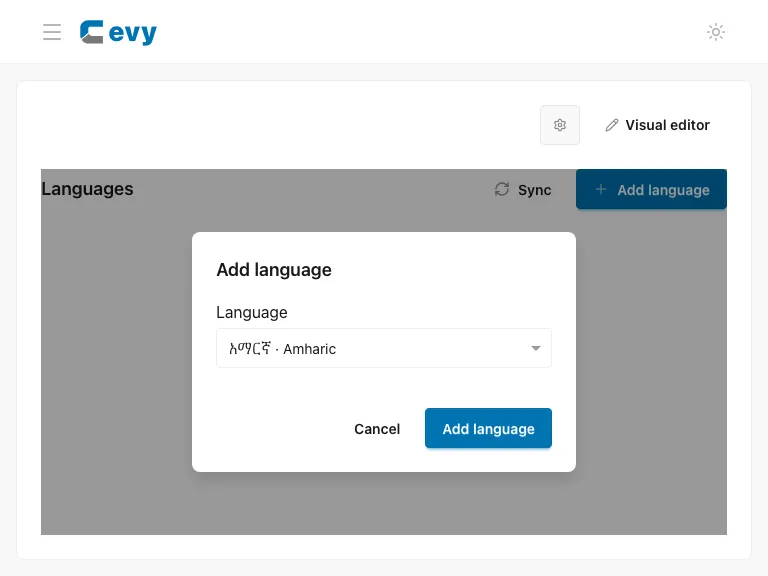
Open Languages → Add language. After adding the language, review its translations.