 Builder Docs
Select an app and open the gear menu in the browser toolbar. Save or discard pending editor changes first. These settings apply to the selected app, not your account.
Open App features → Notification to configure rules.
- Add a rule for an available event.
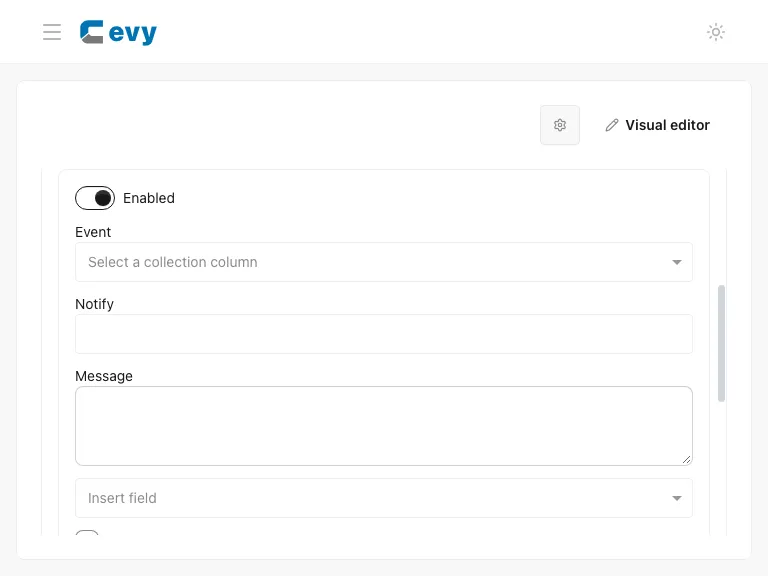
- Choose the event and recipients. Available events depend on authenticated app collections; an app with no eligible collections may not offer Add rule.
- Enter the message. Use the dynamic-field selector when the message should include a record value.
- Choose the delivery channels, such as in-app or email. Review the preview and destination.
- Use advanced options only when needed: timing, conditions, and frequency narrow when messages are delivered.
- Save the rules and review notification changes when publishing the draft.
For email delivery, review SMTP. Test with appropriate recipients before enabling broad notifications. Avoid messages that expose sensitive record data. The guide's demo does not send email or push notifications.