 Builder Docs
The editor left bar contains workspace tools. Browser toolbar actions apply to the currently selected app.
Choose your avatar at the bottom of the navigation rail. On mobile, open Toggle sidebar first. The menu shows your identity and workspace/plan information, with Settings, Language, and Log out. Language selection appears when available.
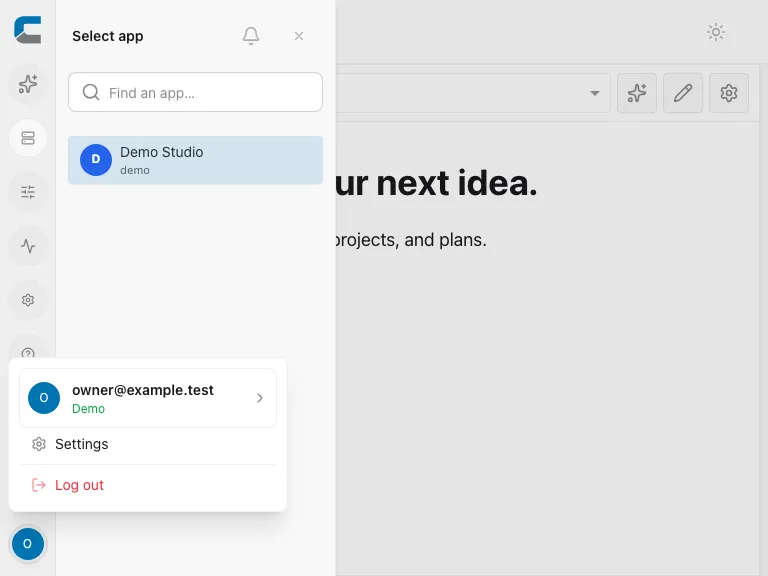
- Settings opens the Settings page at
/settings. See Account settings. - More → Manage opens the management actions permitted for your account.
- More → User Guide opens the standalone help center at
/docs. - Log out ends your session. Finish or safely resolve pending edits first.
Find help
Open More → User Guide, then search the help center or browse a topic. Search for the task, such as “SMTP”, “publish”, or “brand colors”, and select the relevant article.
The standalone guide also has a search form and article list. If a control described here is missing, first check your role, selected organization, and plan.