Builder Docs
Select the correct app, then open the browser toolbar. Its actions apply only to that app.
There are two different save steps: saving an individual text edit or AI proposal updates the draft; Save in the toolbar publishes that draft.
- Save any pending text or attribute edits.
- Review the app in View mode.
- Open the actions menu and choose Save.
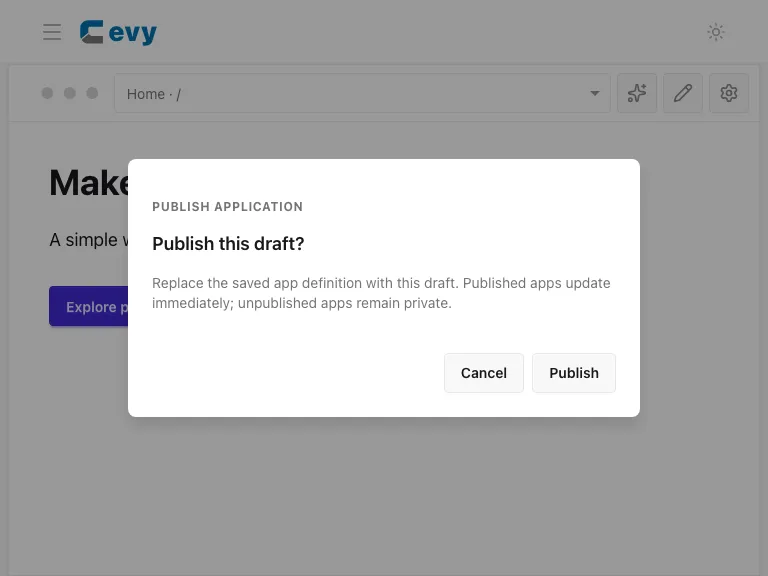
- Read the publishing confirmation, including any notification changes.
- Confirm Publish to apply the draft to the saved app, or Cancel to keep reviewing.
Do not assume the editor's “Saved” status means every draft change is already live. Use Open app to check the published version.