 Builder Docs
The sidebar starts collapsed on desktop. Hover over the rail to reveal it, or use Toggle sidebar to pin it open. Browser toolbar actions apply to the currently selected app.
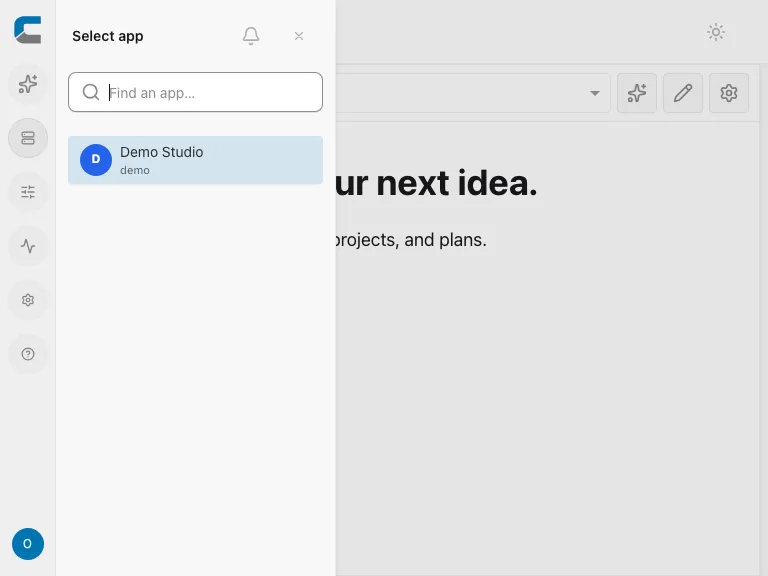
- Choose Apps on the navigation rail. On mobile, open Toggle sidebar first. Search the sidebar list.
- Find the app you want to work on and select it.
- Check the app shown in the editor before editing, publishing, or deleting anything.
If the editor warns about a draft when switching, read the choices carefully. Save keeps a server draft without publishing, while discarding removes the pending work. Do not switch blindly when an AI proposal or text edit is unfinished.