 Builder Docs
Select an app and open the gear menu in the browser toolbar. Save or discard pending editor changes first. These settings apply to the selected app, not your account.
Choose the gear menu → Backups to inspect available backups and backup actions for the selected app.
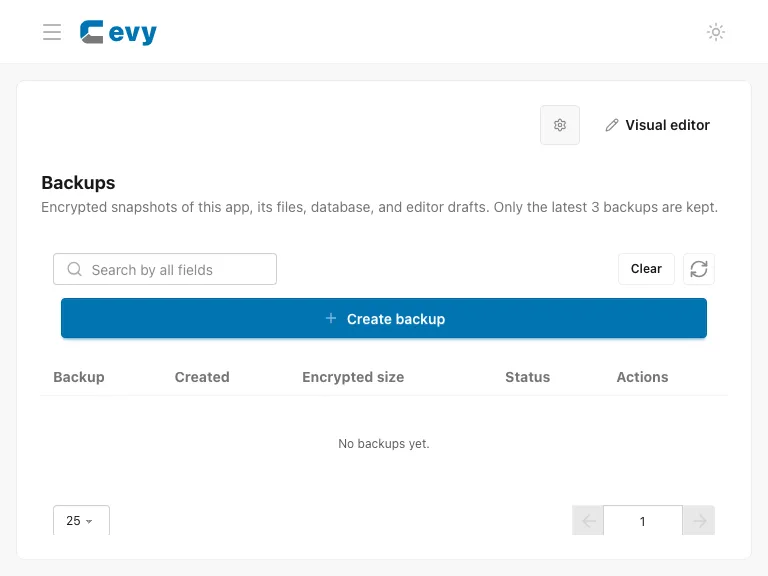
Create a backup before a risky change, wait for the operation to complete, and verify that it appears in the list. Before restoring, confirm the app and backup you intend to use and read the confirmation. Restoration can replace current data and may temporarily prevent editing. Do not start overlapping operations or assume a queued backup has finished.
The panel describes encrypted snapshots of the app, files, database, and editor drafts, with only the latest three retained. Restore replaces those items and keeps an encrypted rollback backup. Download important backups before relying solely on the retained list.