 Builder Docs
Select an app and open the gear menu in the browser toolbar. Save or discard pending editor changes first. These settings apply to the selected app, not your account.
Open the gear menu → Domain settings to review the custom-domain field and the displayed CNAME target.
- Enter a domain you control.
- Follow the DNS instructions shown for this app; do not copy the demo values.
- Save or use the domain action offered by the panel, then check the verification status.
- If the status remains pending, check your DNS configuration before trying again.
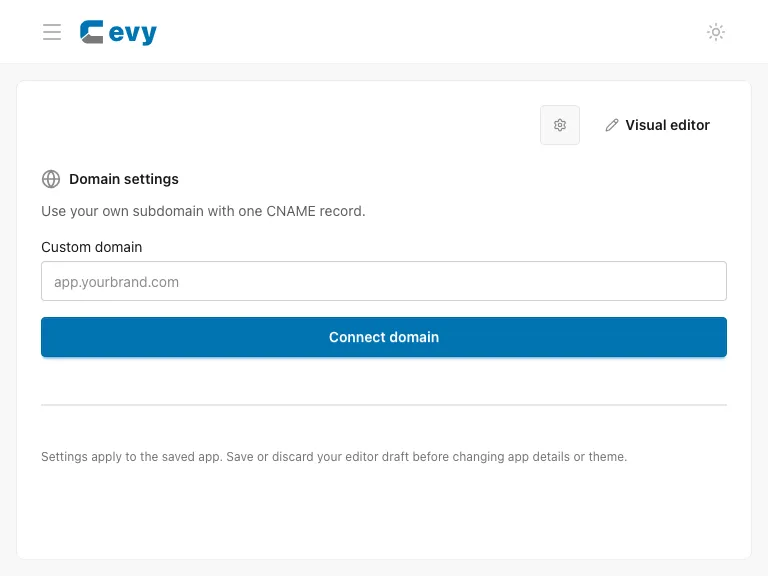
The subdomain slug lives in App details; the custom-domain panel connects a separate domain. DNS changes can take time to become visible. Do not change unrelated records at your DNS provider.