 Builder Docs
Select an app and open the gear menu in the browser toolbar. Save or discard pending editor changes first. These settings apply to the selected app, not your account.
Choose the gear menu → Languages to manage the app's languages and translations.
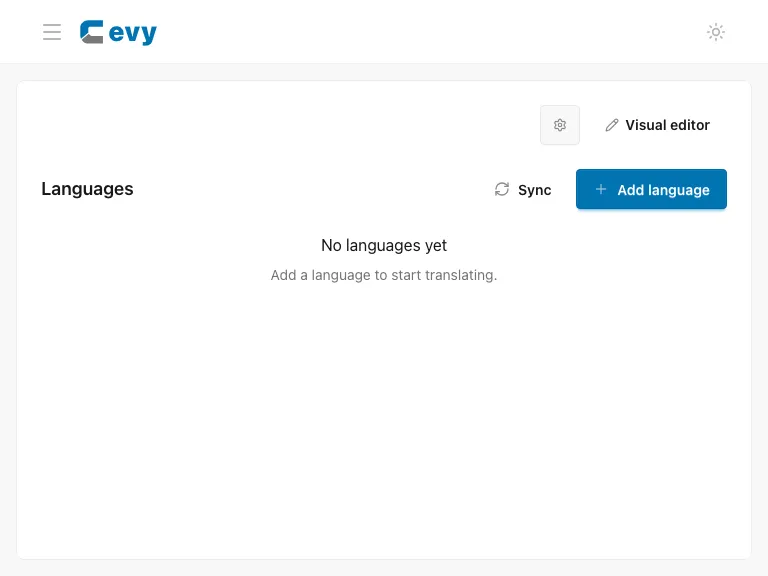
Review the configured languages before adding or editing one. Use the translation tools to inspect and update text, and review any AI-generated translations before relying on them. Changing the language used by the builder's profile menu is separate from configuring languages in your app.