 Builder Docs
Select an app and open the gear menu in the browser toolbar. Save or discard pending editor changes first. These settings apply to the selected app, not your account.
Open the gear menu → Legal and select the document to edit. Privacy and Terms are separate documents; review and save each one you change.
Fill in and save the shared organization fields above the documents: name, address, email, jurisdiction, and courts. Both Privacy and Terms use these values through organization placeholders; missing values appear as “Not provided”.
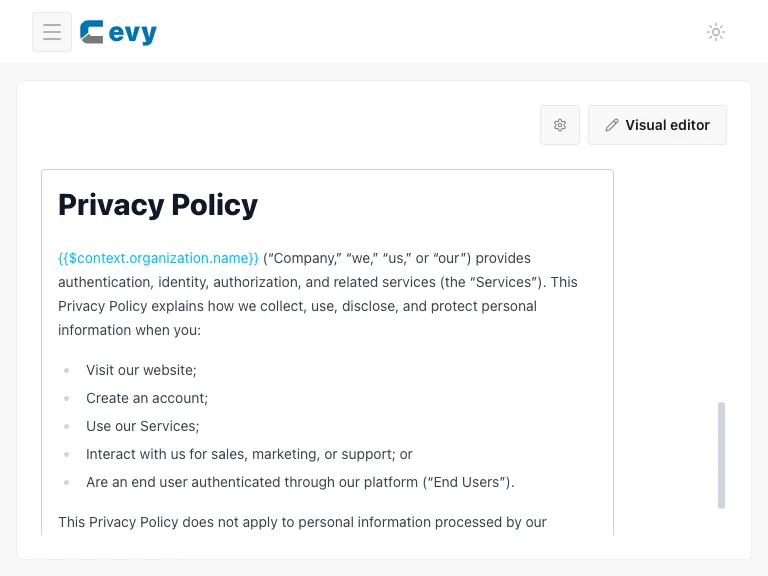
Scroll down to the formatted Privacy editor shown in the screenshot. Edit the wording, save the document, and use its public link to review the result. Replace default wording with content appropriate to your app, organization, and actual data practices. Review Terms separately before publishing.