 Builder Docs
Select an app and open the gear menu in the browser toolbar. Save or discard pending editor changes first. These settings apply to the selected app, not your account.
- Obtain the correct connection details from your mail provider.
- Fill in the required fields. Treat the password as a secret, not as documentation text.
- Save SMTP settings.
- Use the test action when you are ready to send a real test message, and check its result.
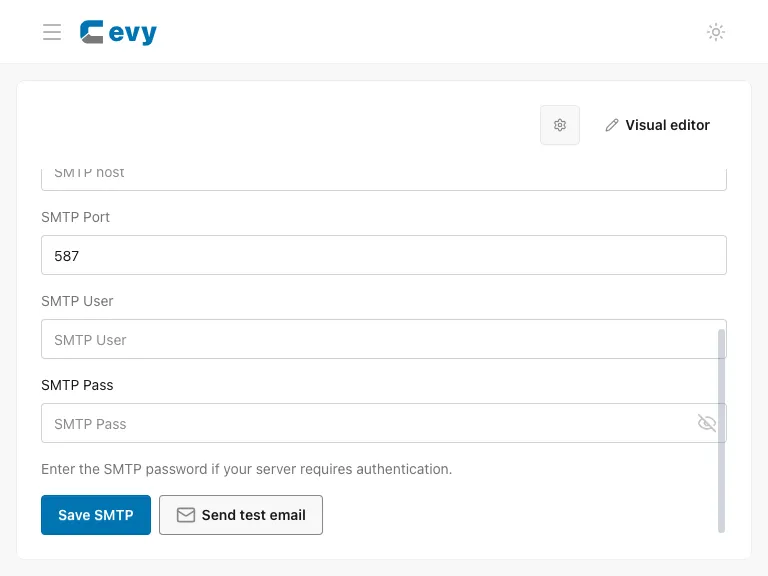
If a saved configuration can be reset to system mail, read that action carefully: it changes which mail configuration the app uses. Never test against an unintended recipient. No live SMTP credentials or emails are used in these screenshots.