 Builder Docs
Select the app and choose Edit from the browser toolbar. Manual and inline AI edits change the draft; publishing is a separate step.
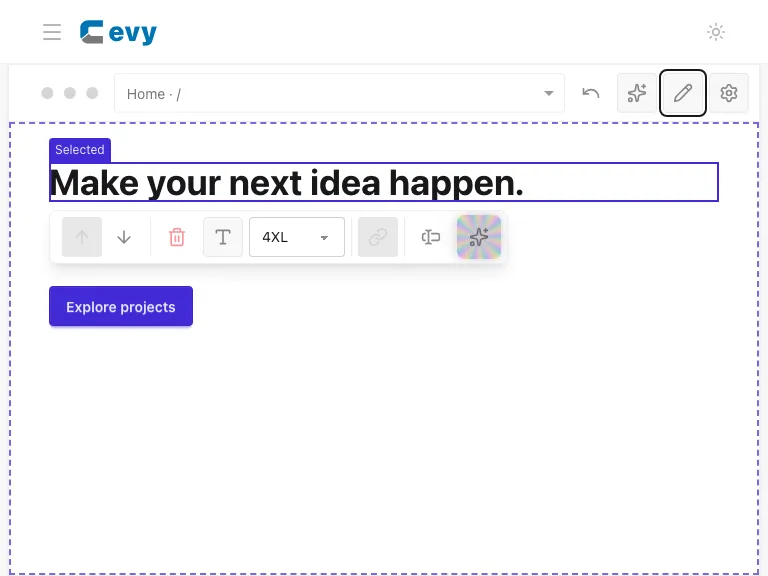
After saving text, confirm the new wording appears in the preview and that no error is shown. The screenshot below shows a manually changed heading in the draft.
Use the editor's undo/redo controls when available to review or reverse draft changes. To release the finished draft, use Save in the browser toolbar, then check Open app. Saving a text field alone is not the final publish step.