 Builder Docs
Select the app and choose Edit from the browser toolbar. Manual and inline AI edits change the draft; publishing is a separate step.
Use the available controls for font size, weight, style, decoration, alignment, color, margin, and padding. Change one setting at a time and check the canvas. Default removes the selected override where supported; responsive/custom styles may be identified separately.
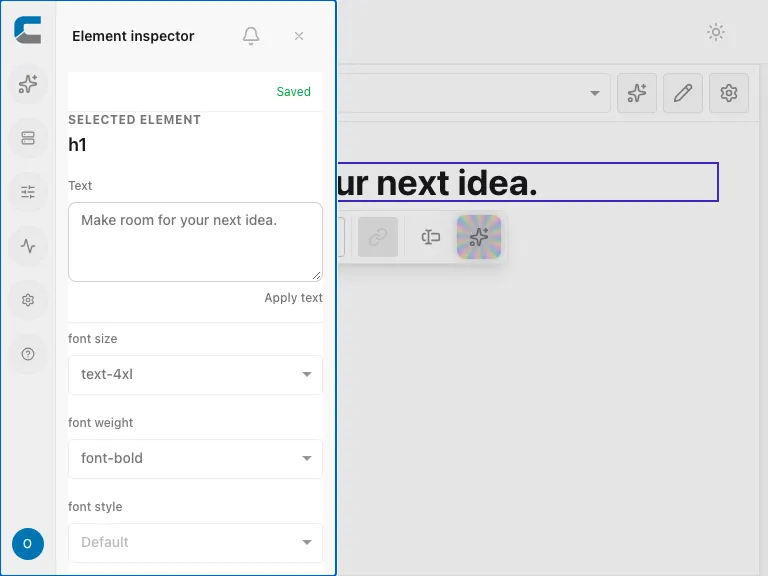
For consistent colors across the whole app, prefer Theme settings instead of assigning many unrelated colors to individual elements.