 Builder Docs
Select an app and open the gear menu in the browser toolbar. Save or discard pending editor changes first. These settings apply to the selected app, not your account.
Open the gear menu → Theme settings. The randomizer shows Light and Dark component previews, so you can judge buttons, text, feedback colors, and controls together.
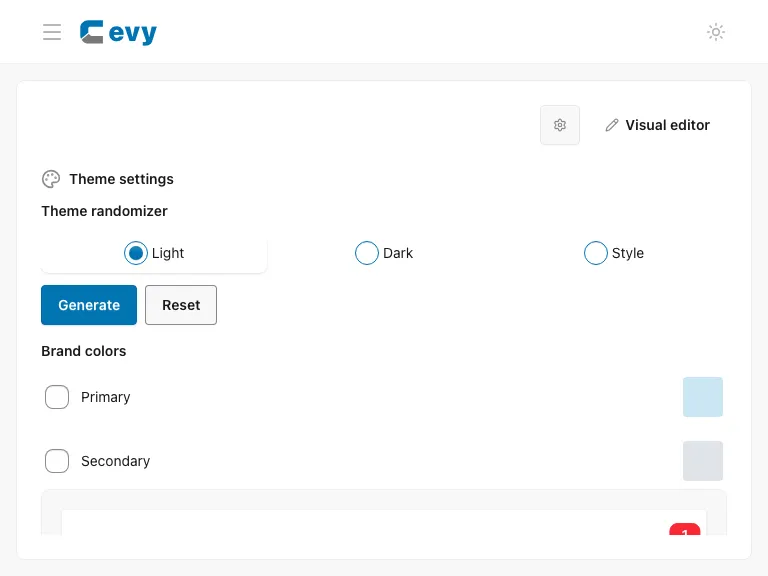
Use the Theme randomizer to generate colors and styles, configure the dark theme, and preserve brand colors. Save settings to apply your changes; Reset restores default previews and must also be saved to apply them. The editor theme toggle is separate.