 Builder Docs
The editor left bar contains workspace tools. Browser toolbar actions apply to the currently selected app.
- Choose the sparkle/composer button on the left bar.
- Describe who the app is for, what it should do, and its essential pages or workflows.
- Add images when useful. Choose Reference for inspiration or Asset for content intended to be used in the app, and explain how each image should be used.
- Review your instruction before submitting. Follow the generation status and review the resulting app.
For example: “Create a small project tracker for our team with a project list, due dates, and a simple dashboard.” Specific requirements work better than a vague request to build everything.
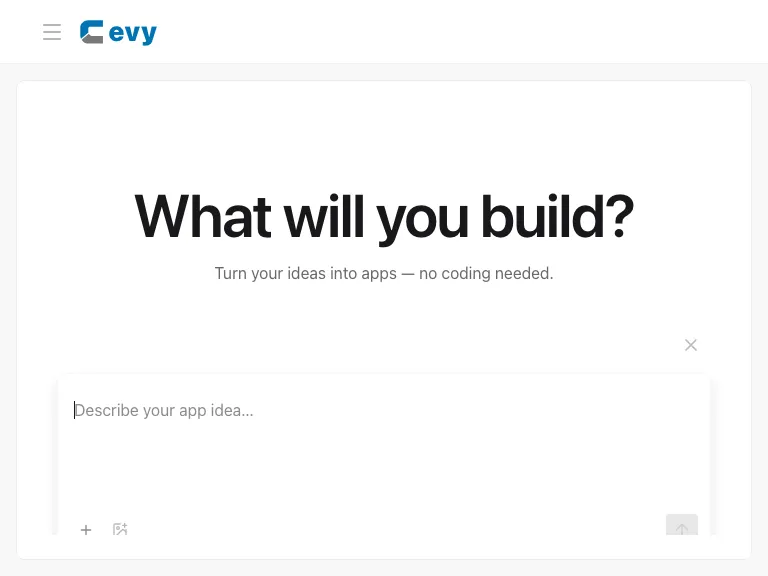
This composer creates an app. To revise an existing app, use the browser toolbar composer. AI requests can consume workspace credits. Never attach secrets or personal information that is not necessary for the task.