 Builder Docs
The editor left bar contains workspace tools. Browser toolbar actions apply to the currently selected app.
Reveal the sidebar and choose View activity, the bell beside Cevy, to open the recent notification preview. Open a message for its details, or use the full notification view to browse more records. The unread indicator changes as messages are read. On mobile, open Toggle sidebar first.
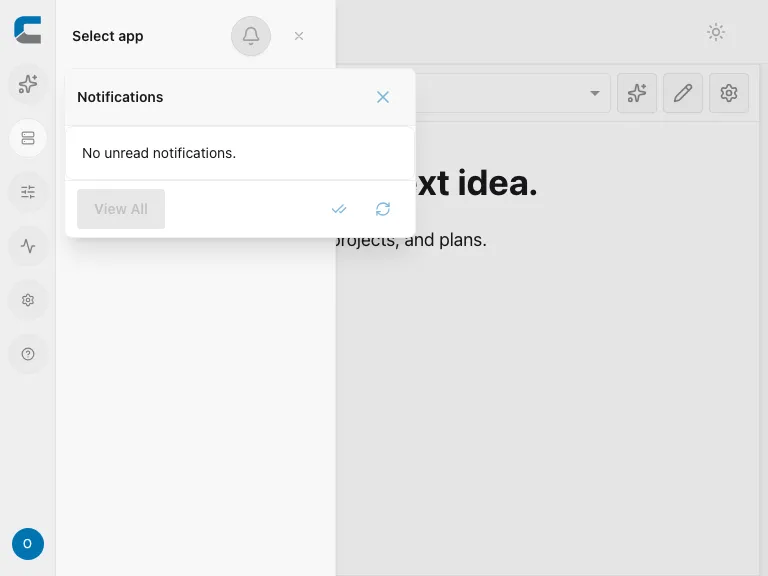
Notifications here concern your workspace. To configure notifications sent by your generated app, use App features. If nothing appears, check the selected organization and whether notifications are available to your account.