 Builder Docs
Select an app and open the gear menu in the browser toolbar. Save or discard pending editor changes first. These settings apply to the selected app, not your account.
Choose the gear menu → File manager. The file manager opens in the app preview area rather than the right-hand settings form.
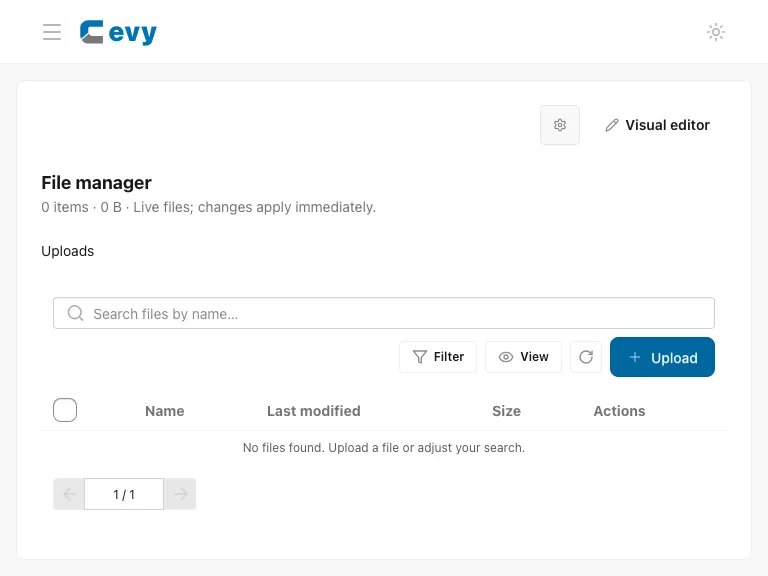
Use Upload to add permitted files, then review the file list and available actions. Observe the type and size limits shown by the uploader. Before replacing or deleting a file, check whether pages or other content reference it. A file upload is not a text/layout edit; return to Edit mode to work on page elements.
See Upload app files for the upload workflow and live-file precautions.