 Builder Docs
Open Theme settings and use the Theme randomizer.
Enable Primary or Secondary to preserve that color during generation. Select the color swatch to open the picker and choose a palette color or enter a color value.
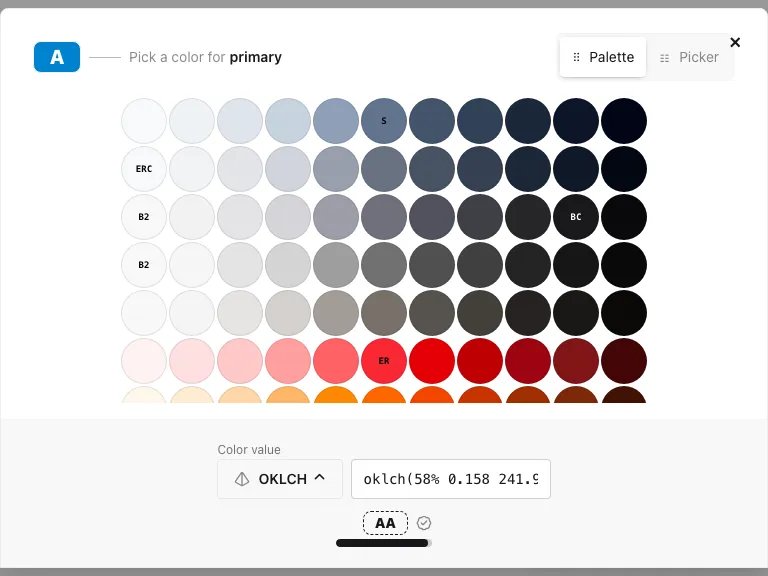
The Palette tab offers preset colors; Picker offers adjustable color controls. Check the displayed contrast feedback and inspect the actual text on both previews. Close the picker when finished, and leave the brand-color checkbox enabled if subsequent generations should preserve the selection.