 Builder Docs
Open your app in the builder, then open Theme settings.
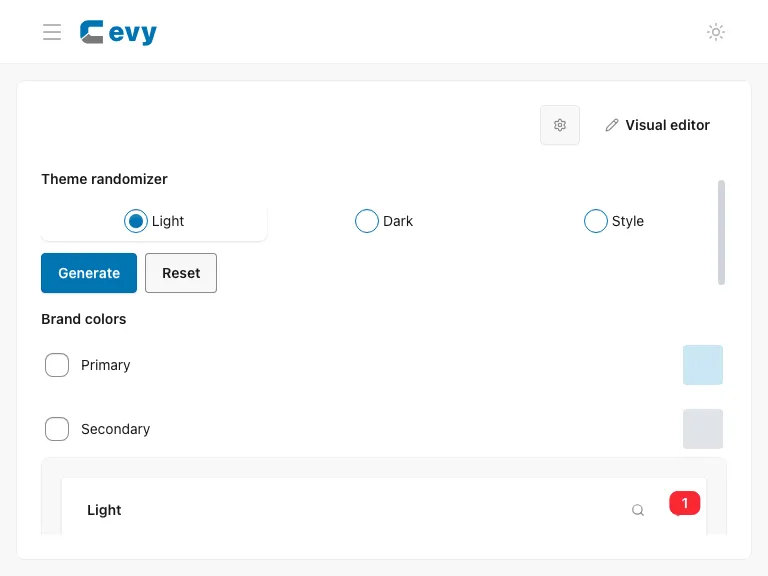
Generate colors
Choose Light and select Generate to create matching Light and Dark palettes. Choose Dark to generate only the Dark palette.
Generate styles
Choose Style, then select Generate to change the shared style tokens. Check both previews before saving.
Review and save
Configure the dark theme and preserve brand colors as needed.
Save the settings to apply the previewed themes to your app. Reset restores the default previews; save afterward if you want to apply those defaults.