 Builder Docs
Open your avatar → Settings → Appearance. On mobile, open Toggle sidebar to reach the navigation rail.
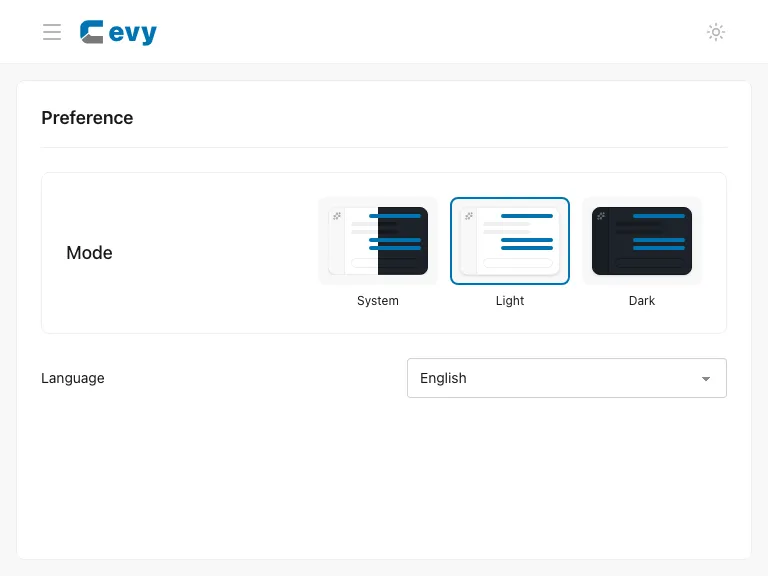
Choose Light or Dark. The preference applies to the builder and Help Center and is saved on this device.
This is not the app's theme generator. To choose brand colors or randomize the app's styles, open Theme settings from the browser toolbar gear menu.