 Builder Docs
Open Theme settings and inspect the Dark component preview. Check text, buttons, feedback colors, and controls together. Choose Dark → Generate to regenerate only the dark palette, or Style → Generate to change shared style tokens. Review both Light and Dark previews before saving.
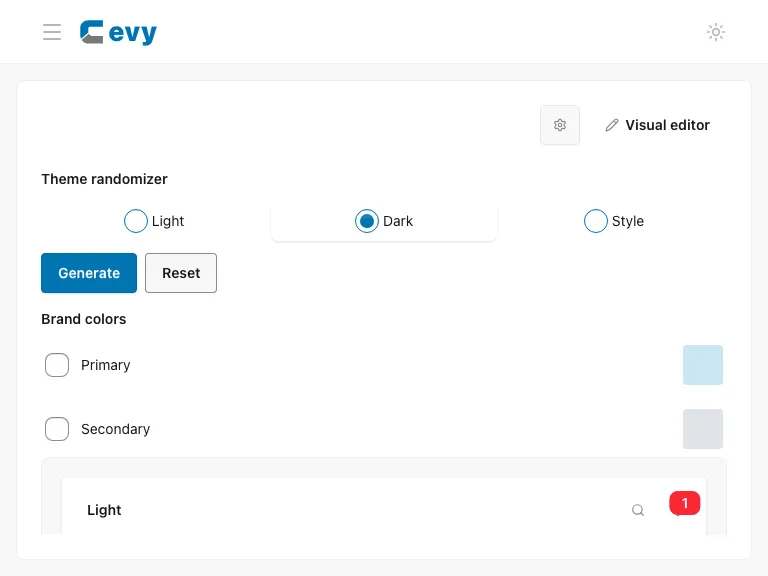
Use Theme randomizer for generation and saving. Preserve brand colors if required.